Building workflows for your specific routine
February 17, 2026

Everyone operates differently. Some people review their week Monday afternoons after their team meeting. Others handle client outreach every Friday before logging off. Some send birthday notes monthly, others weekly.
Quin's workflows adapt to how you work. You can set them to run on whatever schedule matches your routine—not generic defaults, but the specific timing that fits when you'll use the information.
The timing of when workflows run matters more than you might think.
Why the wrong schedule creates friction
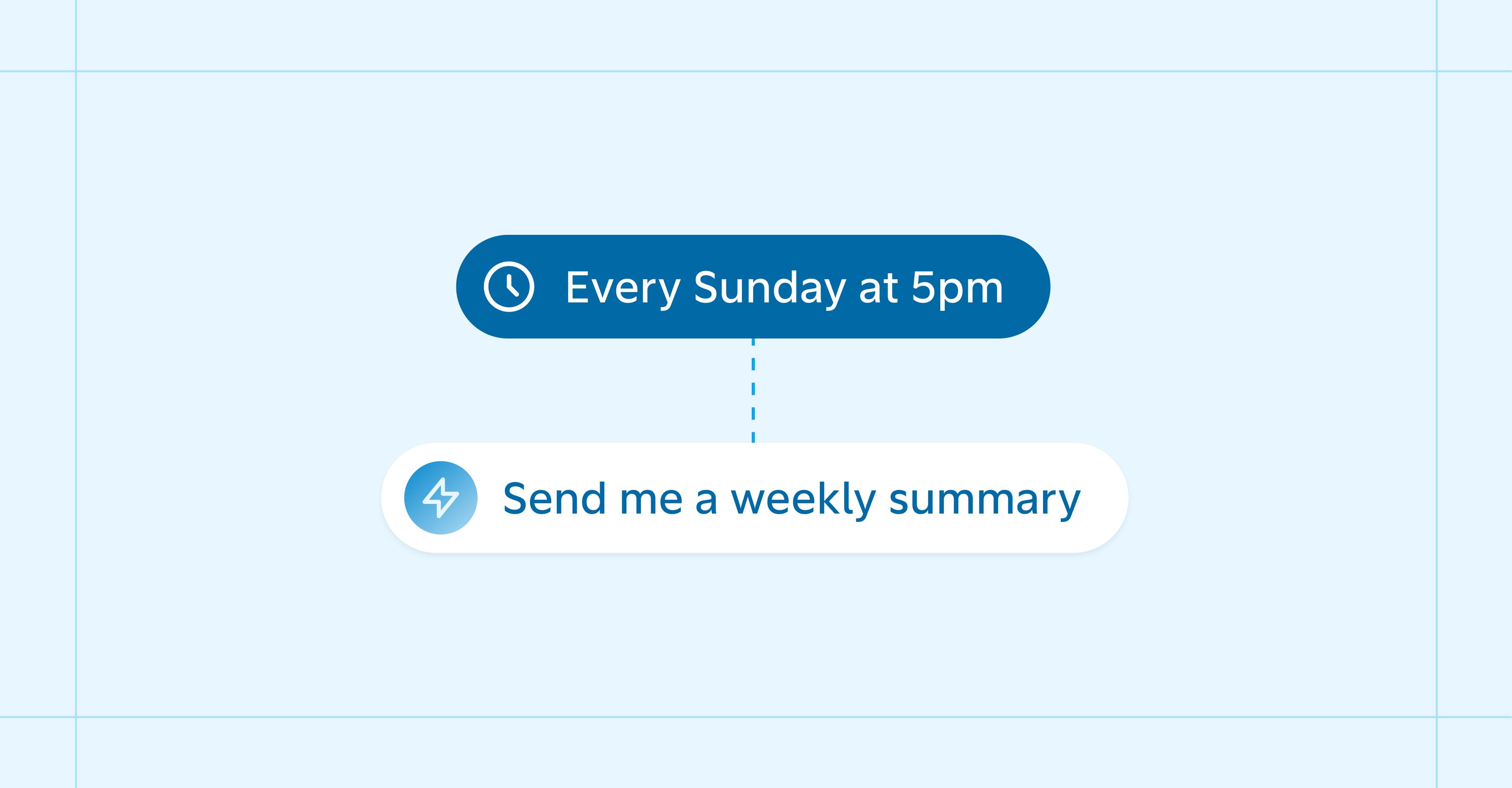
A workflow that runs at the wrong time becomes useless. Your weekly summary arrives Monday afternoon, but you prefer reviewing your week Sunday evening to plan ahead—by the time it arrives, you've already moved on.
The information might be helpful, but mistimed delivery makes it irrelevant. Worse, it trains you to ignore the workflow entirely. When something consistently arrives at the wrong moment, you stop opening it. The tool becomes background noise instead of something that helps you work better.
Timing also determines whether you can act on information. A list of overdue tasks Friday afternoon gives you time to close loose ends before the weekend. That same list Monday morning just adds stress to an already full week. The insight is the same, but one version helps you get ahead while the other puts you behind.
Building around your actual routine
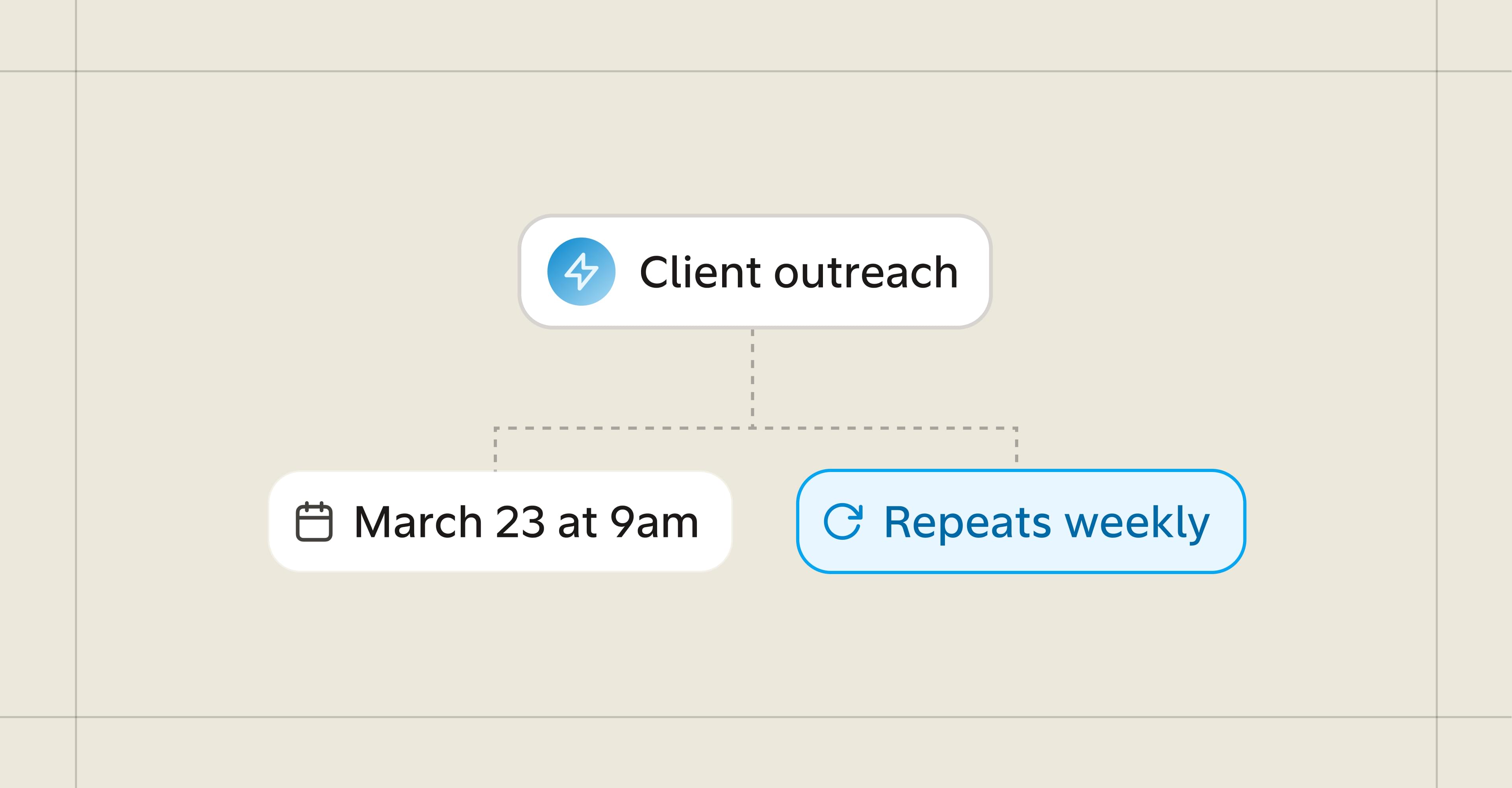
Quin's workflows run on whatever schedule fits your work. Instead of defaulting to Monday morning or end-of-month timing, you choose when each workflow runs based on when you'll actually use it.
The key is matching the workflow to the moment you'd naturally do that work anyway. If you review your week Sunday evenings, that's when your summary should arrive. If you handle client outreach in batches every other week, that's when birthday reminders should land.
What you can customize
Beyond timing, workflows adapt to what matters in your practice.
A weekly summary can focus on client meetings and open follow-ups, or emphasize team tasks and project progress. Your review of open items might flag anything untouched in 7 days or 30 days, depending on how your client relationships develop. Birthday reminders can include drafted messages for some contacts and simple lists for others.
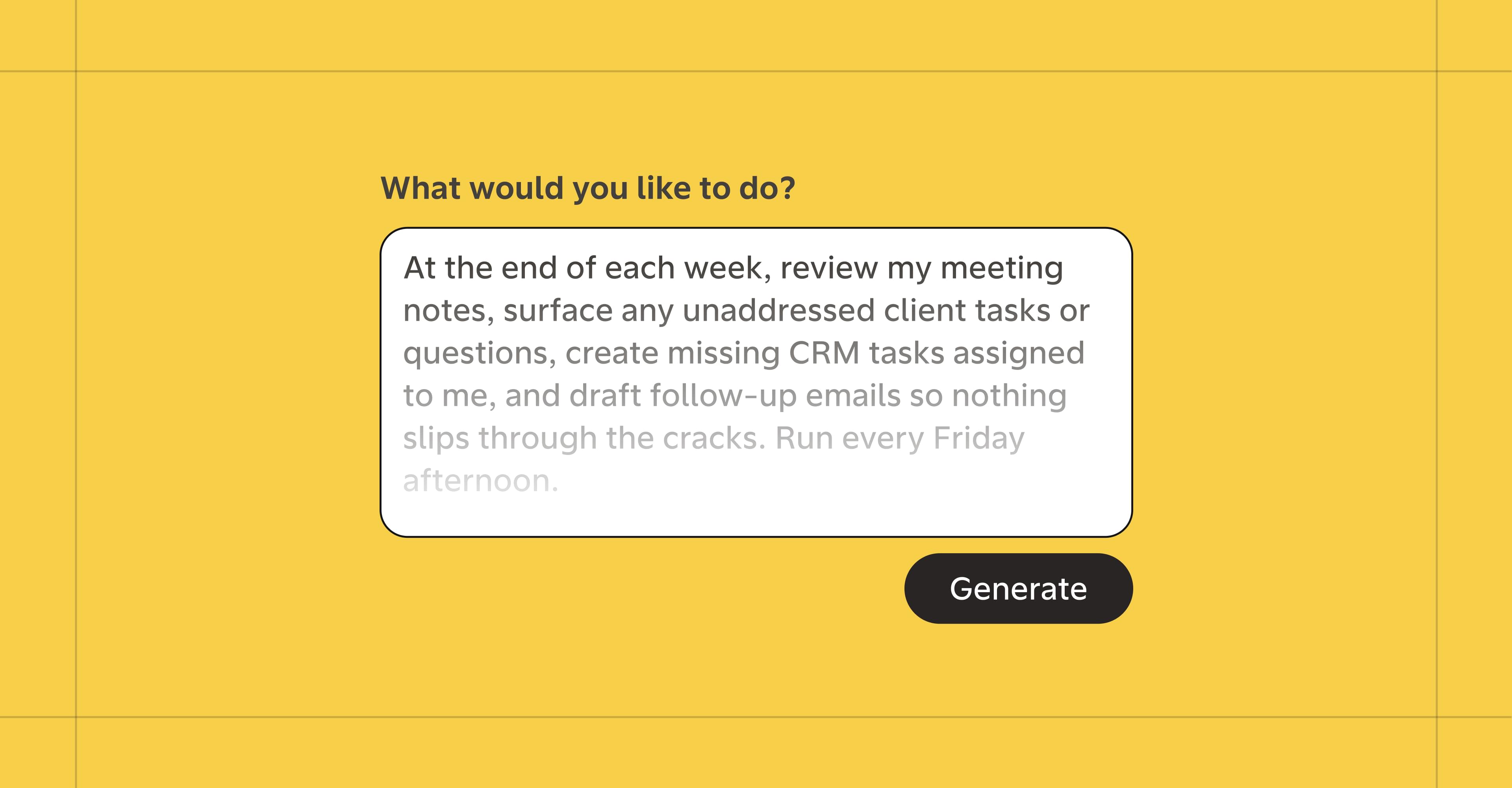
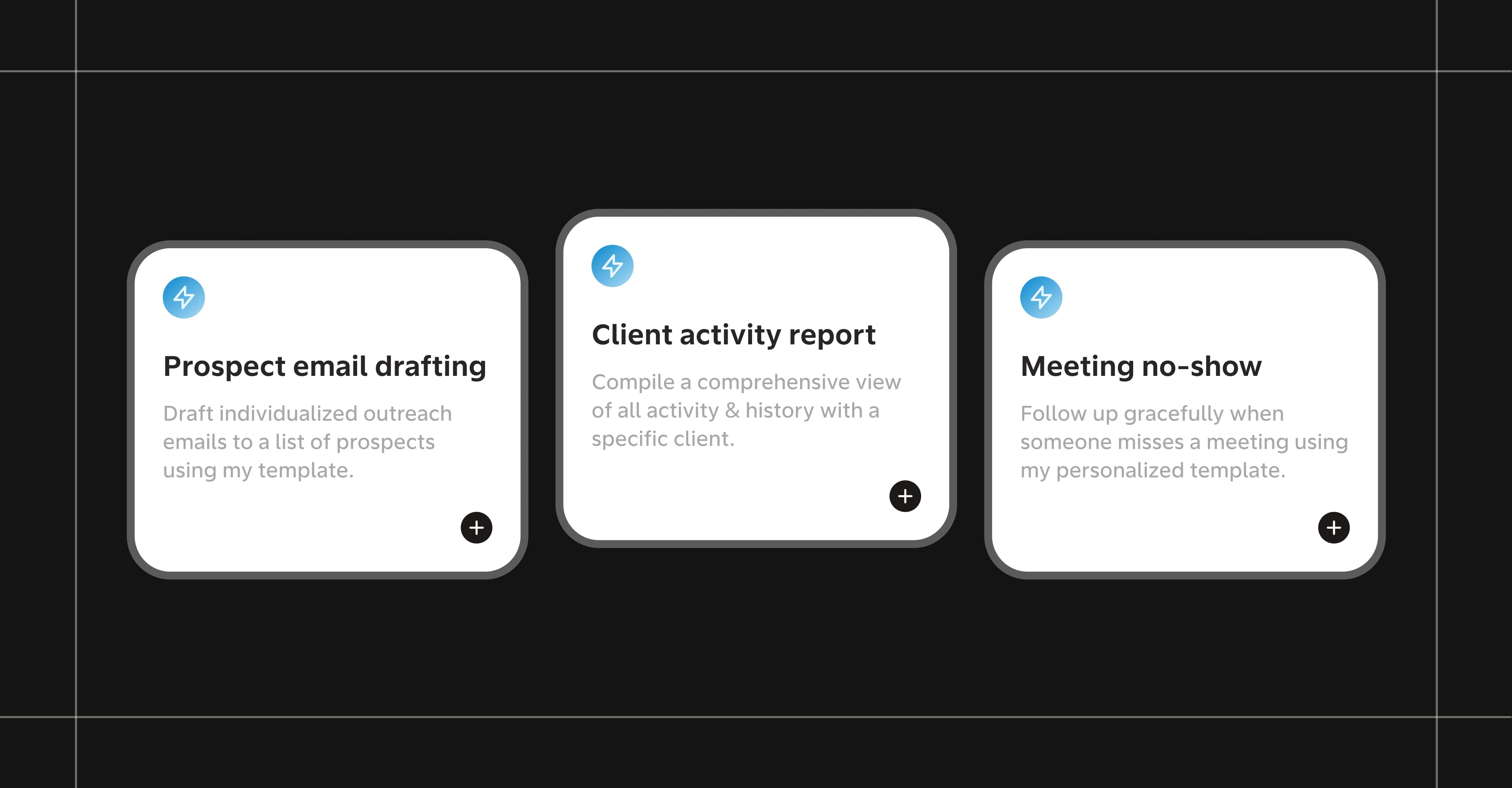
Setting this up doesn't require technical knowledge or complicated configuration. The workflow generator builds complete workflows from a single sentence description—instructions, schedule, formatting all configured. You can also start with a ready-to-use workflow from the library and adjust it to match your routine.
This is why Quin feels less like software and more like an assistant. Real assistants don't need detailed instructions every time you ask for something—they learn how you work and adapt. The customization happens once, then runs in the background exactly when and how you need it.
Getting started
1. Pick one workflow
Choose something you do regularly but find tedious—reviewing opportunities, prepping for meetings, tracking birthdays, checking what's overdue.
2. Find it or build it
Check the pre-built workflow library first. If you find what you need, adjust the timing and details to match your routine. If not, use the workflow generator to build it from a single sentence description.
3. Set the timing
Schedule it to run when you'd naturally do that work anyway.
4. Test and adjust
Use it for a week. If you find yourself waiting for it or ignoring it when it arrives, adjust the schedule. The workflow should anticipate your needs, not add another item to your routine.
5. Add more as needed
Once one workflow feels effortless, add another. Build a system that works the way you already think about your week.
#skills