Spend your day on clients, not admin work
Every client interaction creates documentation. Quin handles that layer — follow-ups, meeting notes, and practice management updates — so your hours go to the work clients actually pay for.







































































The reality of accounting today
Clients don't make it simple. Every engagement creates documentation, and most of it ends up scattered across different places:
5–10 hours per week spent on post-meeting notes, data entry, and status updates
Document requests promised during calls, now buried under everything else
Deadline reminders that should have gone out days ago
Cross-sell opportunities that surface in conversation and disappear
Engagement updates that pile up until the end of the week
Meet Quin
Quin handles the admin behind your book of clients. The documentation, the follow-ups, and the engagement tracking happen on their own so your time goes back to client work.
Hand Quin work however it's easiest
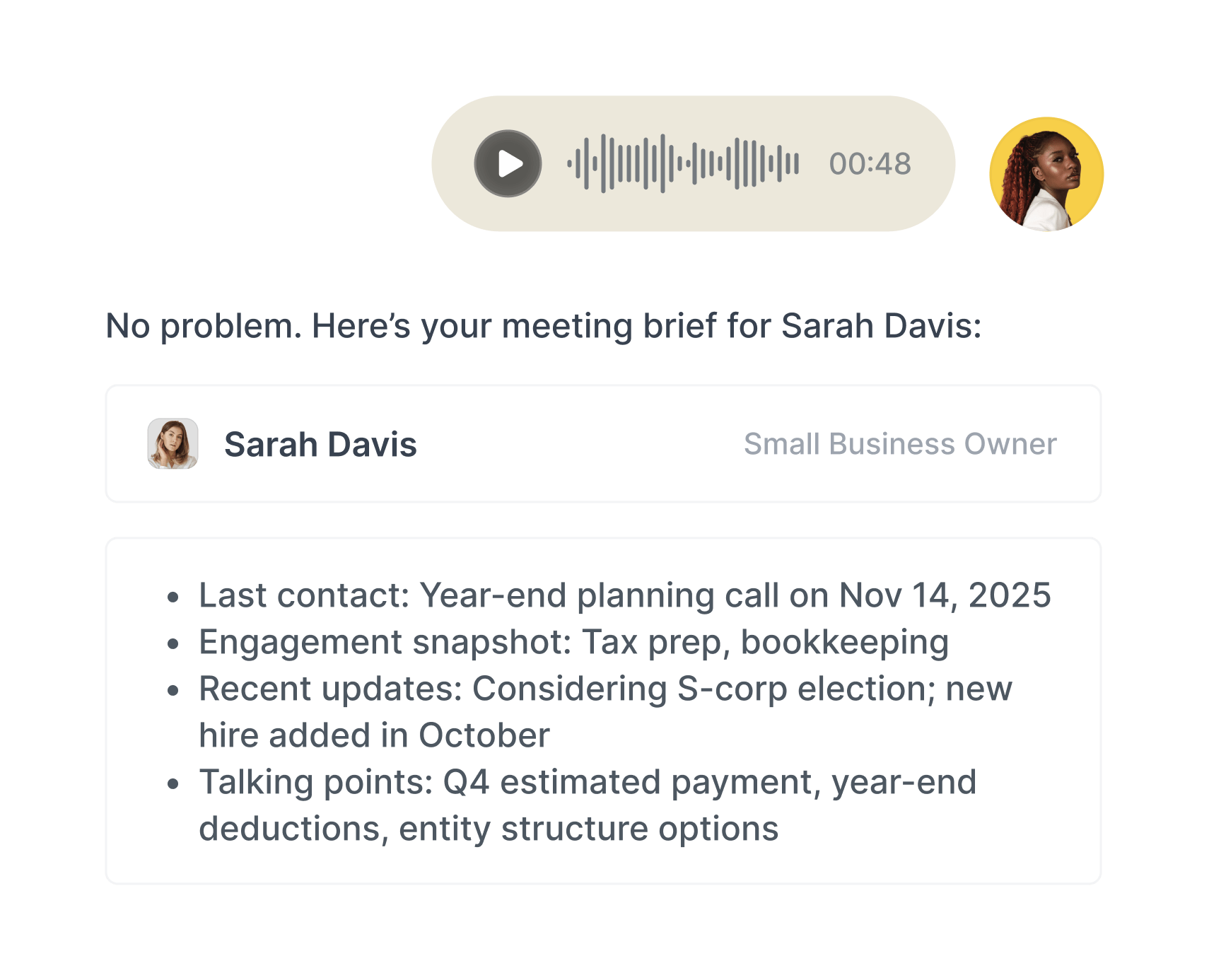
Text, email, voice memo. Whatever's fastest after a client call or meeting, Quin works from it. No new system to learn, no workflow to change.

The automations that keep your engagements current
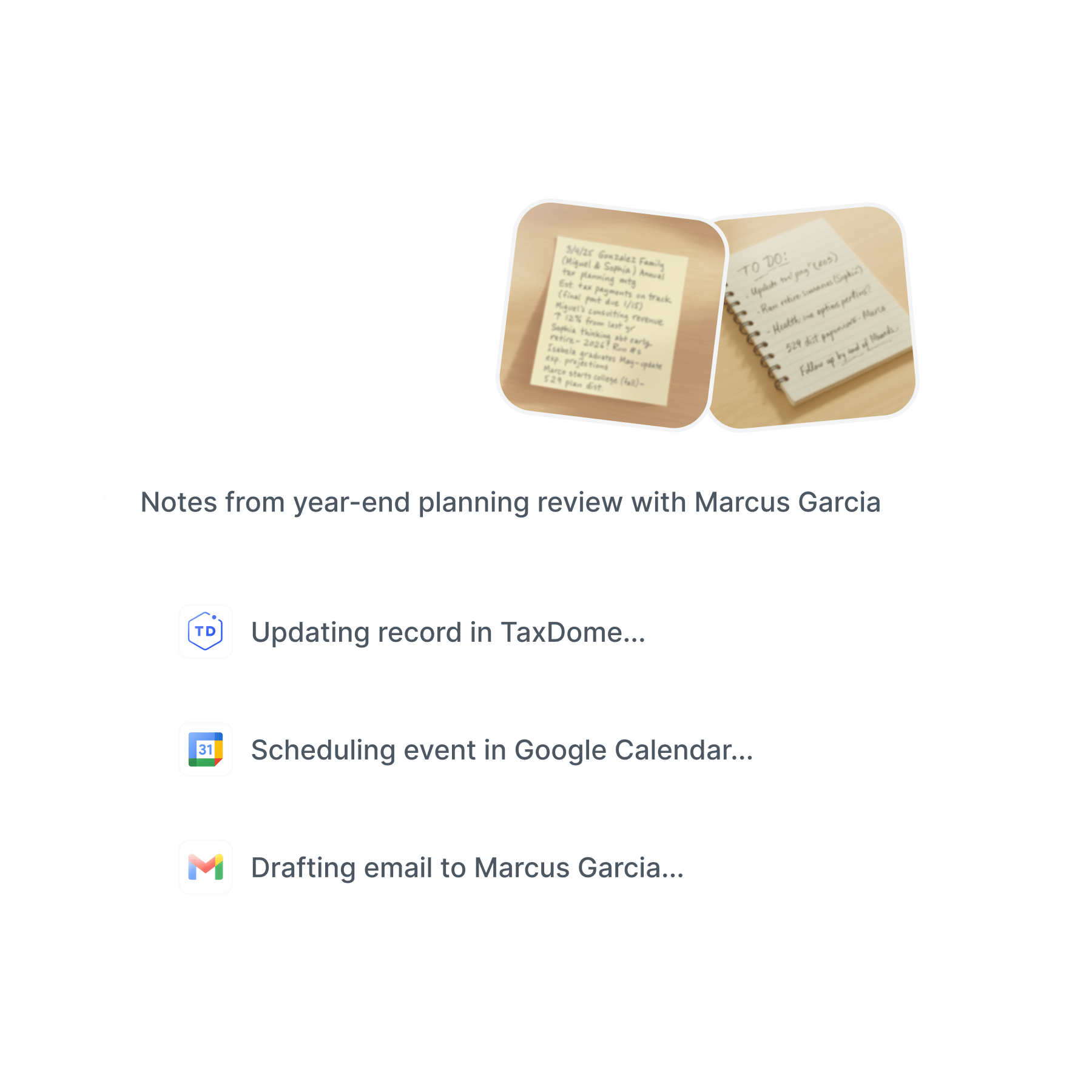
Creates meeting summaries in your practice management system
Creates tasks for open items, document requests, and follow-ups
Drafts client emails in your voice for your review
Updates client records with new engagement details
Surfaces deadlines and overdue items before they become problems
The right information in the right place
CRM updates land in the CRM. Practice management notes land in the engagement. Tasks land on the task list. The admin moves where it needs to go without you carrying it across tools.
You see everything before it goes out
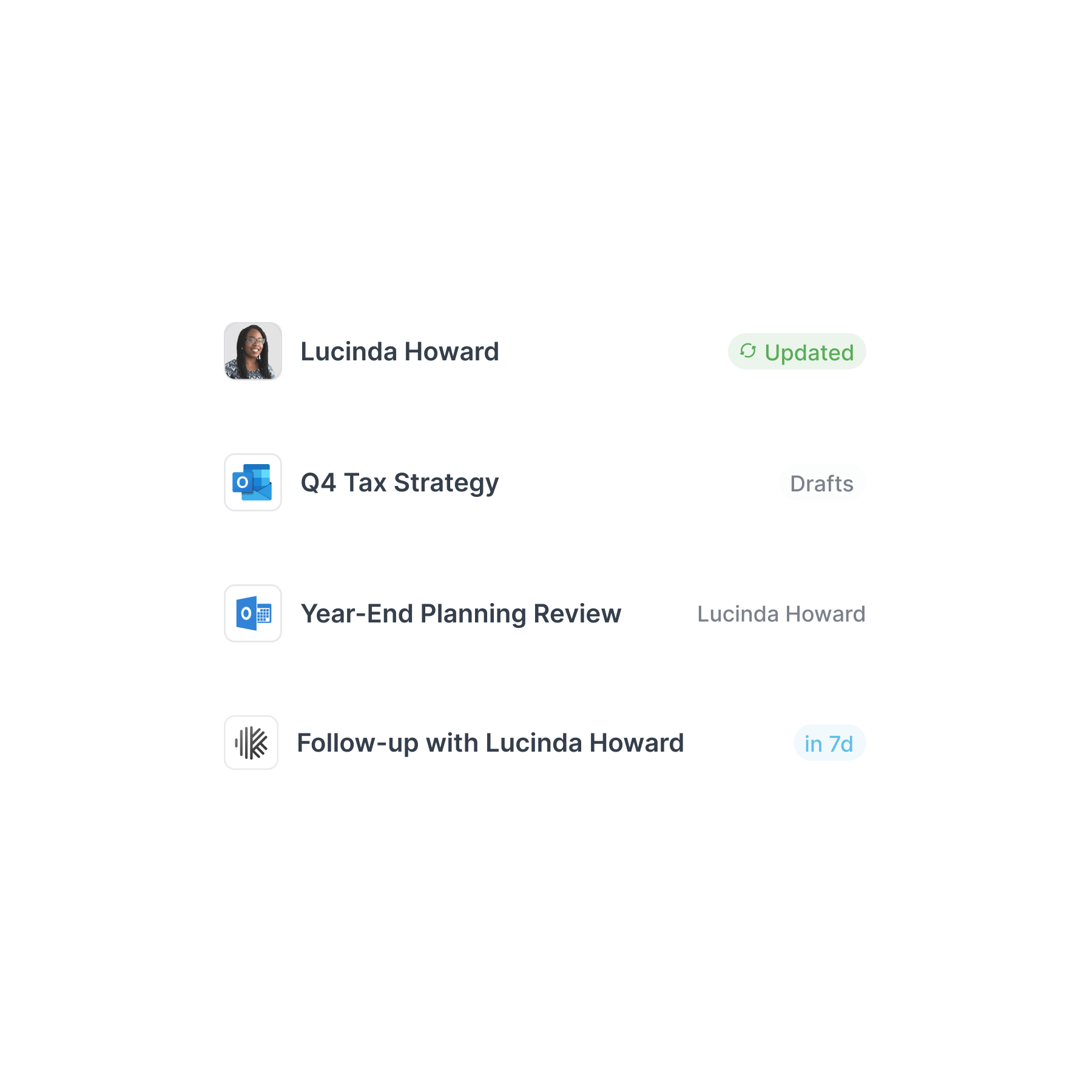
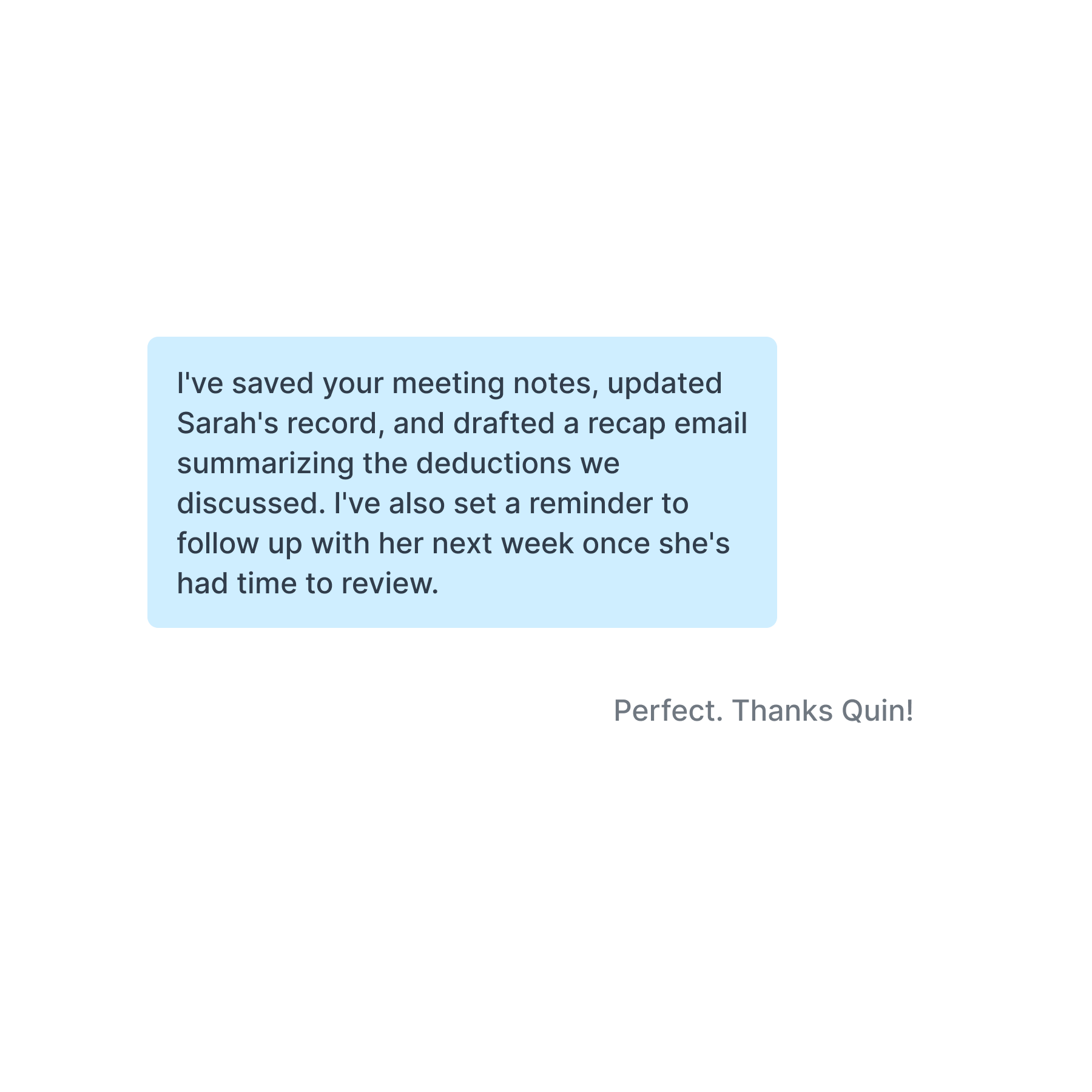
Quin drafts and waits. You see what's been handled, what's queued for your review, and what's already gone out. The judgment calls stay yours.
What you'll gain
More client conversations
Reclaim 5 to 10 hours a week previously lost to documentation and status updates.
Nothing slips
Every open item, every document request, every deadline surfaced before it becomes a problem.
Engagements on the front foot
Stay ahead of what's due instead of scrambling when a deadline is already close.
A book that stays organized
Client details, engagement notes, tax year context — every detail lands in the right record.
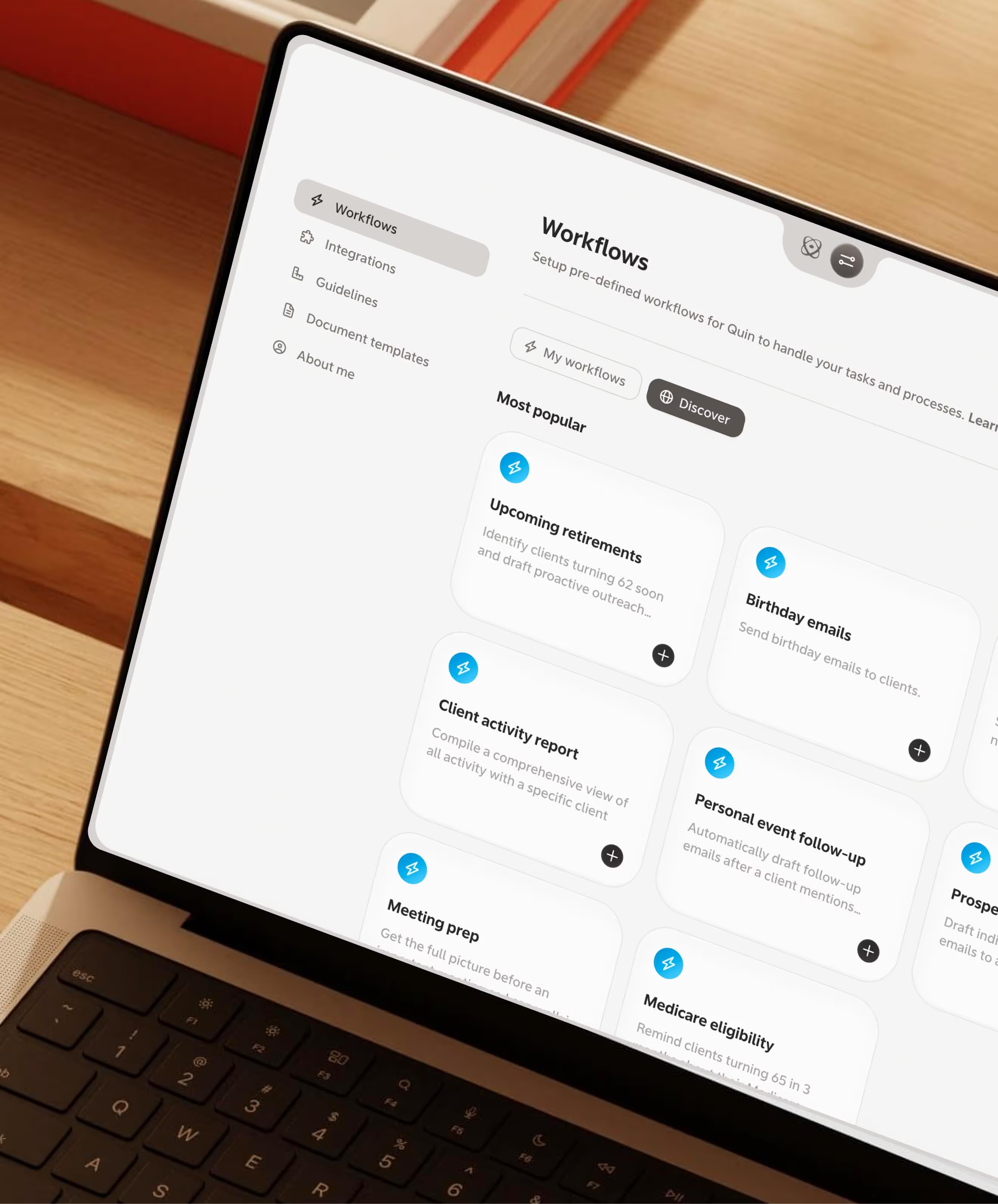
How accountants use Quin
The admin behind every client interaction is where time disappears. Here are three places Quin handles it.

After a tax planning meeting
You just wrapped a 45-minute call with a business owner about their Q4 position. Estimated payments, entity structure, a few open questions to follow up on. You send Quin a voice memo on the way to your next call. By the time you're back at your desk, the engagement record is updated, there's a task to pull last year's K-1, and a follow-up email is waiting for your review.
During close season
A longtime client calls with a question about their books. They mention they just brought on two new employees and are thinking about switching payroll providers. You text Quin the details. Now there's a note in the client record, a task to send a payroll provider comparison, and a reminder to revisit at the next quarterly. You didn't have to stop what you were doing to log any of it.
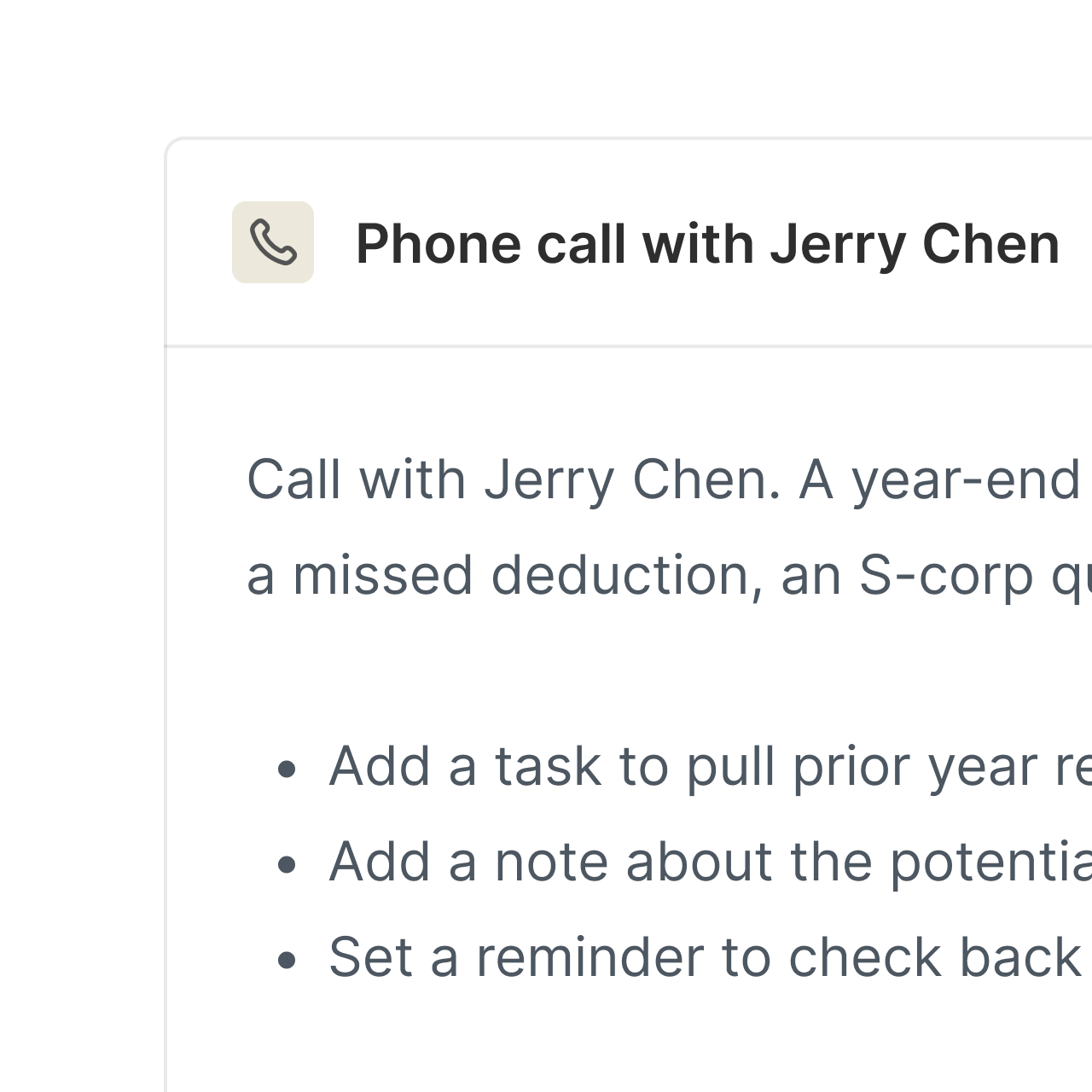
When a referral comes through
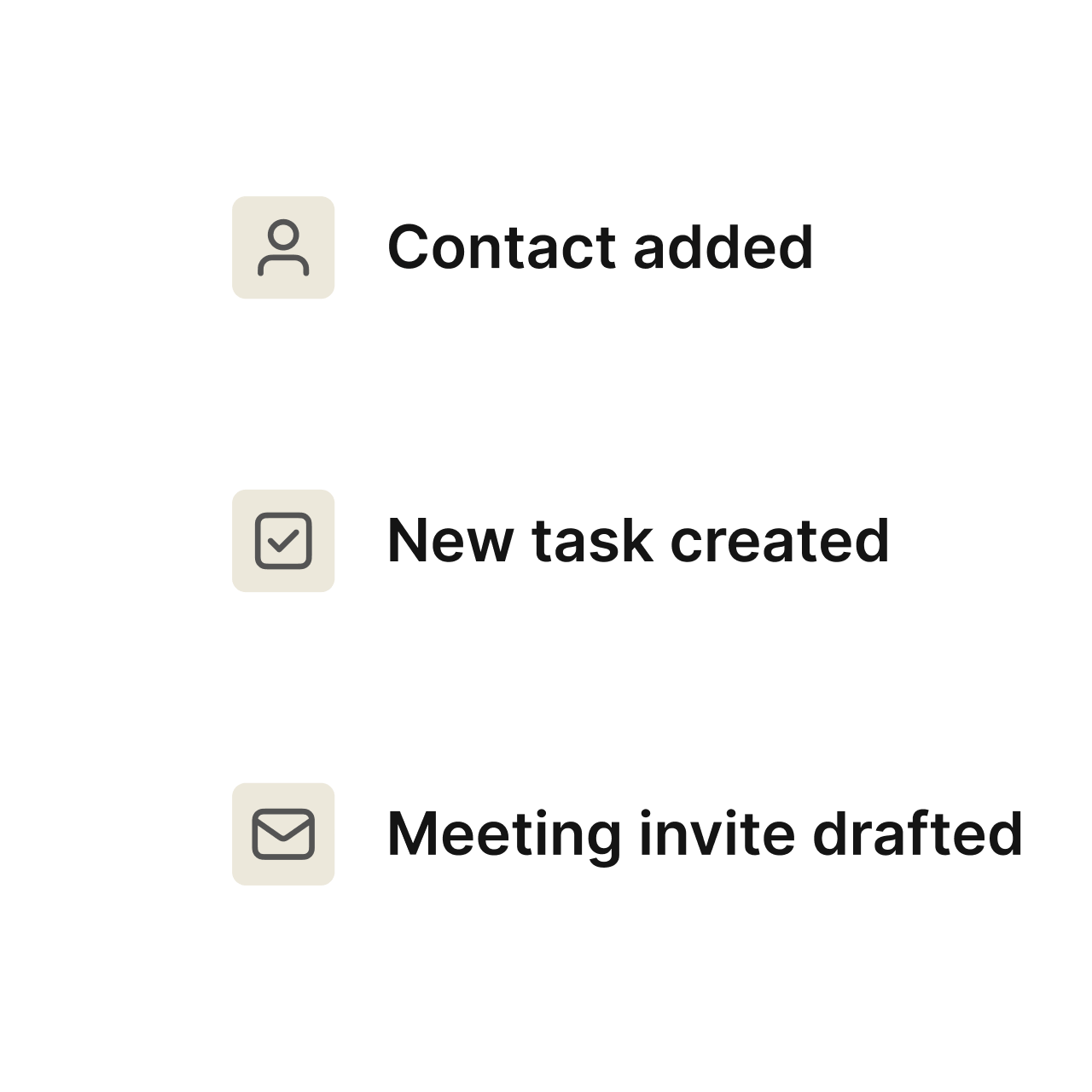
A client mentions their business partner needs help with their books. You text the name and business to Quin between calls. New contact created, task set to reach out. You don't have to remember any of it later.
Made for the way accountants run a practice
Quin handles the details the same way you would, without taking the hours.
Practice management integration
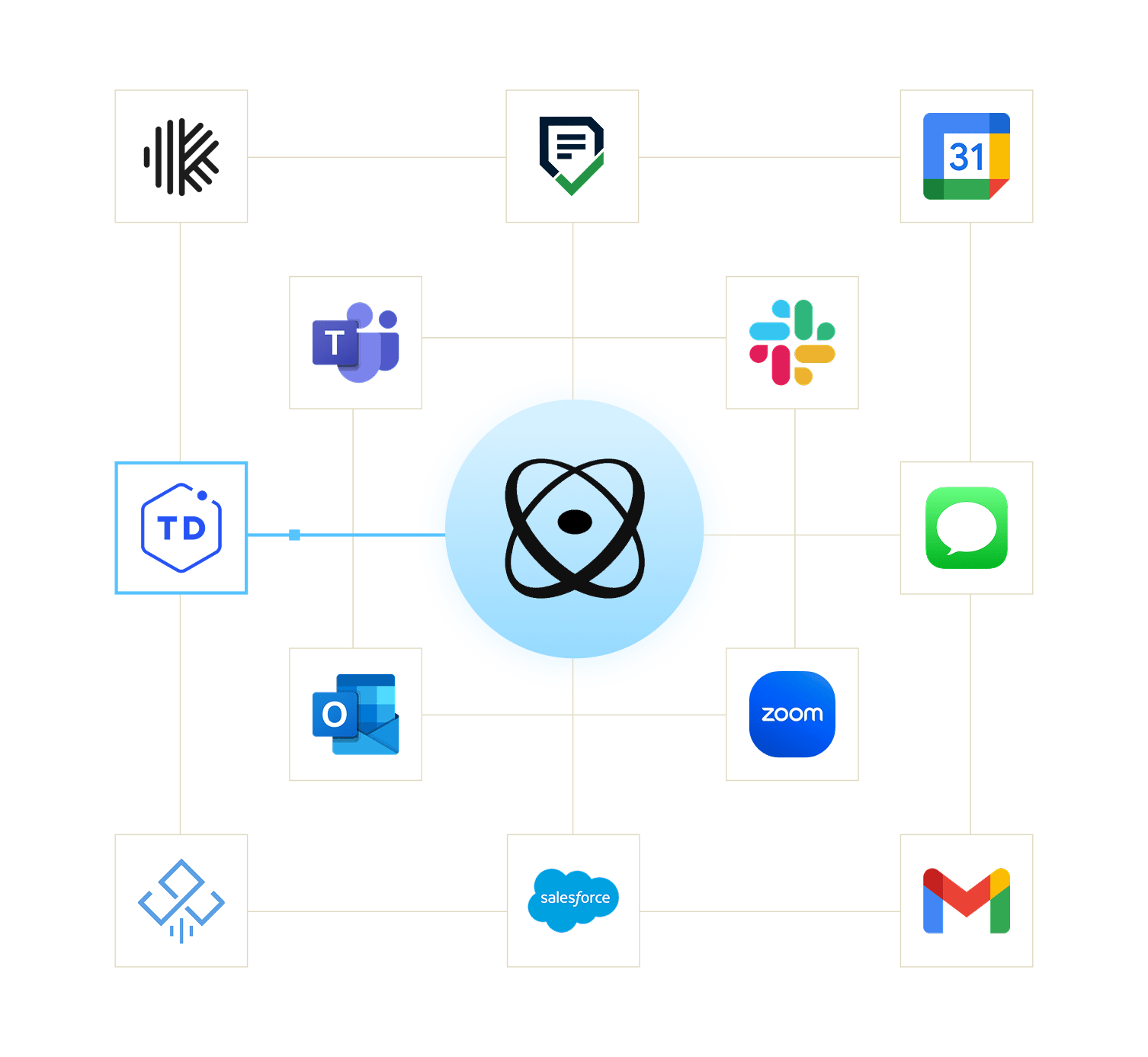
Connects to TaxDome, Karbon, Financial Cents, and Jetpack Workflow — the systems you already use to run your engagements.
Team coordination
Routes tasks to staff accountants, managers, or partners based on who should own the work.
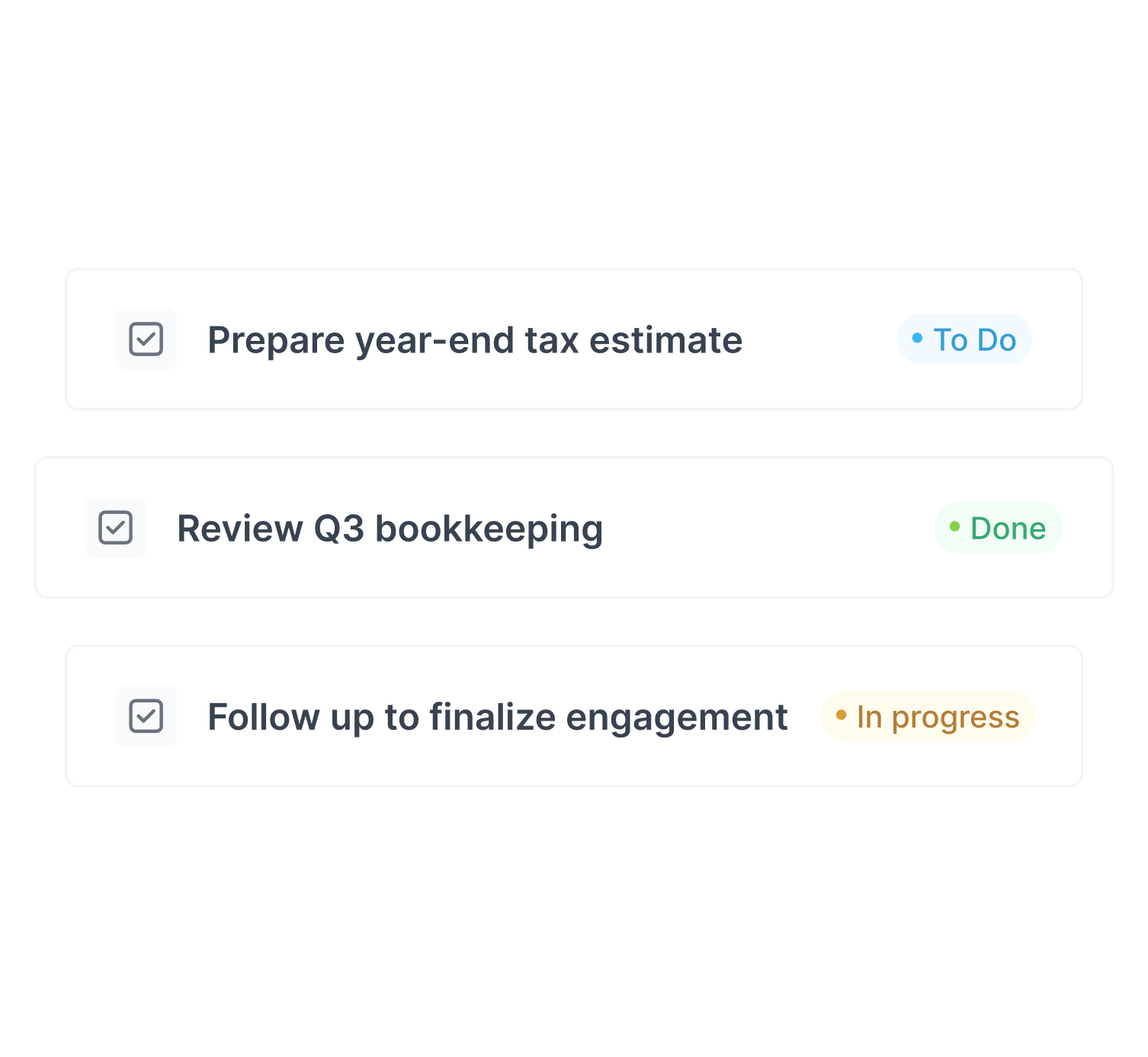
Deadline tracking
Tracks every open item and due date through your pipeline so nothing falls through at the end of the quarter.
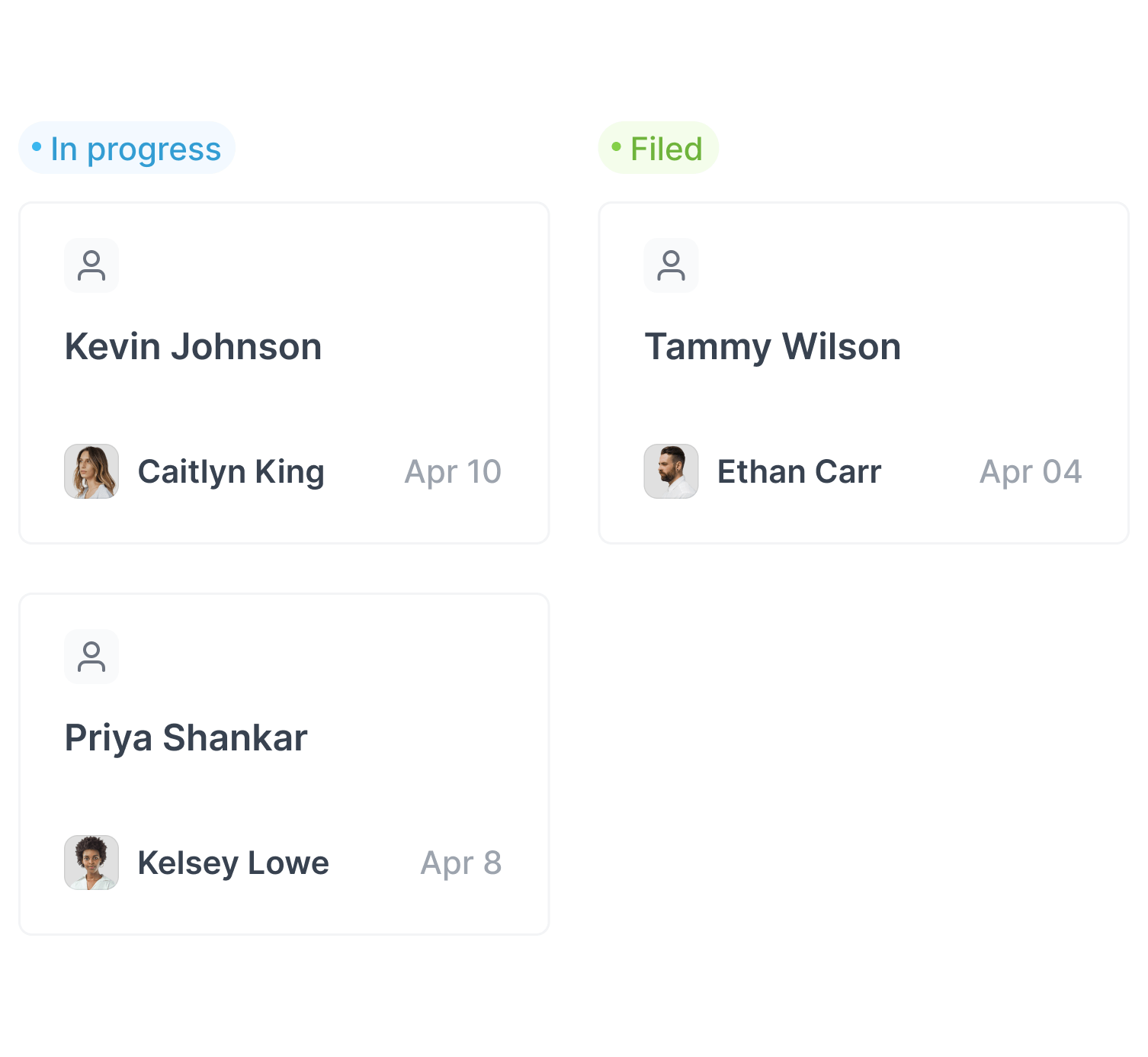
Works across your stack
Your workflow stays the same whether you're on QuickBooks Online Accountant, Xero, or something else entirely.