
Less admin. More billable time.
Legal work is detail-intensive by nature. Every client call, every consultation, every matter update creates notes that need to go somewhere. And billable hours don't pay for the time spent getting them there.






































































The reality of legal work today
Every conversation creates a paper trail, and most of it ends up in the wrong place, or nowhere at all:
Meeting notes from client calls still sitting in a notepad instead of the matter file
Action items promised during consultations that never got assigned or tracked
Follow-up emails meant to go out the same day, drafted a week later
Client intake details scattered across texts, emails, and memory
Deadlines and next steps that should be in the system but aren't yet
Meet Quin
Quin handles the admin behind every matter. The intake notes, the follow-ups, the deadlines, and the matter file updates happen on their own so your time goes back to billable work.
Hand Quin work however it's easiest
Text, voice memo, forwarded email thread. Whatever's fastest after a call or client meeting, Quin works from it. No new system to learn, no workflow to change.

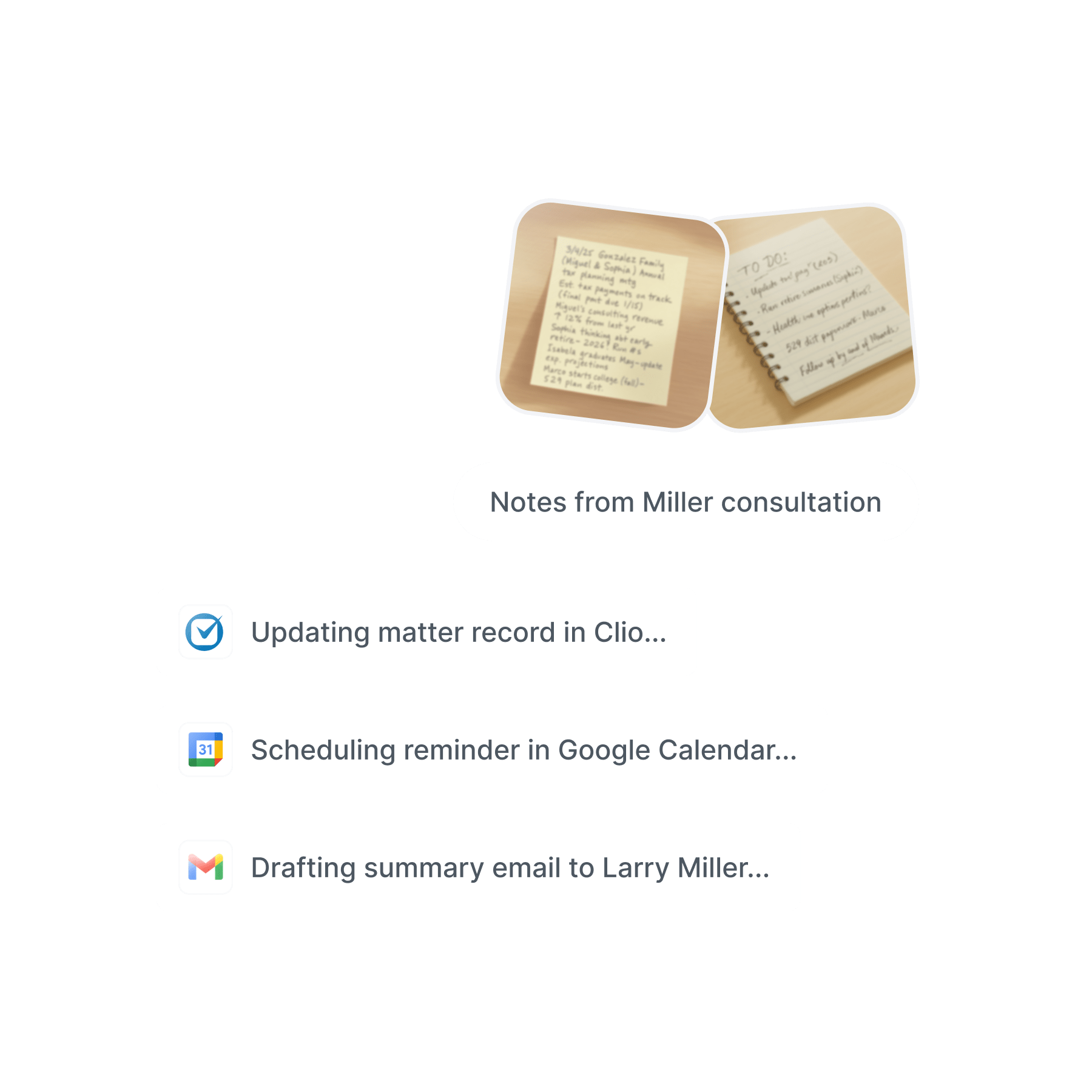
The automations that keep every matter current
Creates matter notes and updates contact records in your practice management system
Adds tasks for follow-ups, filings, and outstanding items
Drafts client communications in your voice for your review
Schedules next steps and deadlines on your calendar
Surfaces open action items before they get buried
The right information in the right place
Matter updates land in the matter file. Calendar reminders land on the calendar. Tasks land on your task list. The admin moves where it needs to go without you carrying it across tools.
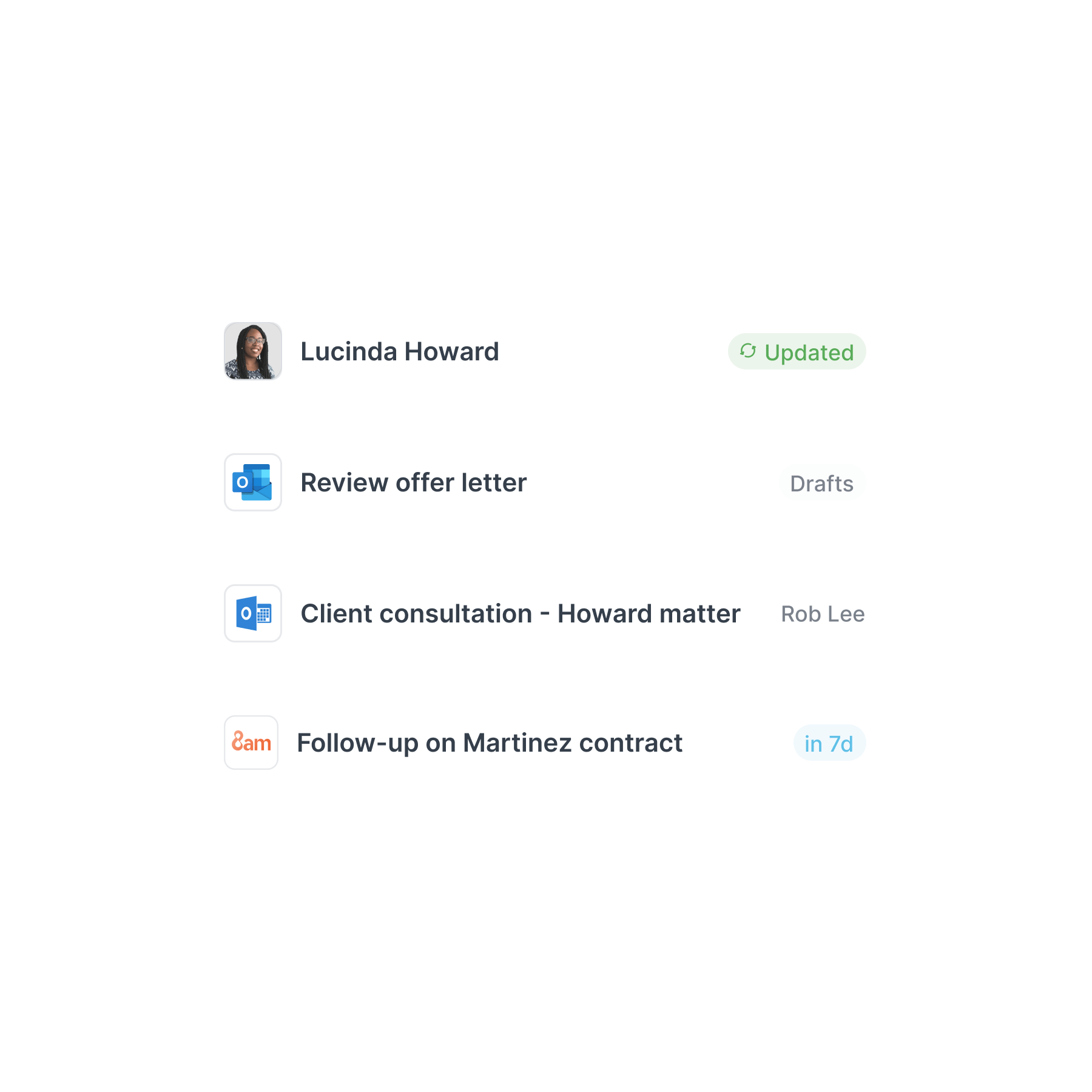

You see everything before it goes out
Quin drafts and waits. You see what's been handled, what's queued for your review, and what's already gone out. The judgment calls stay yours.
What you'll gain
More billable time
Every hour not spent on admin is an hour you can bill, or an hour you can go home on time.
Nothing falls through
Every commitment from every call gets captured, assigned, and surfaced before it becomes a problem.
Clients stay informed
Follow-up emails and matter updates go out when they should. You look on top of it because you are.
Matters that stay organized
Notes, context, and next steps end up in the right place, not in your head or on a sticky note.
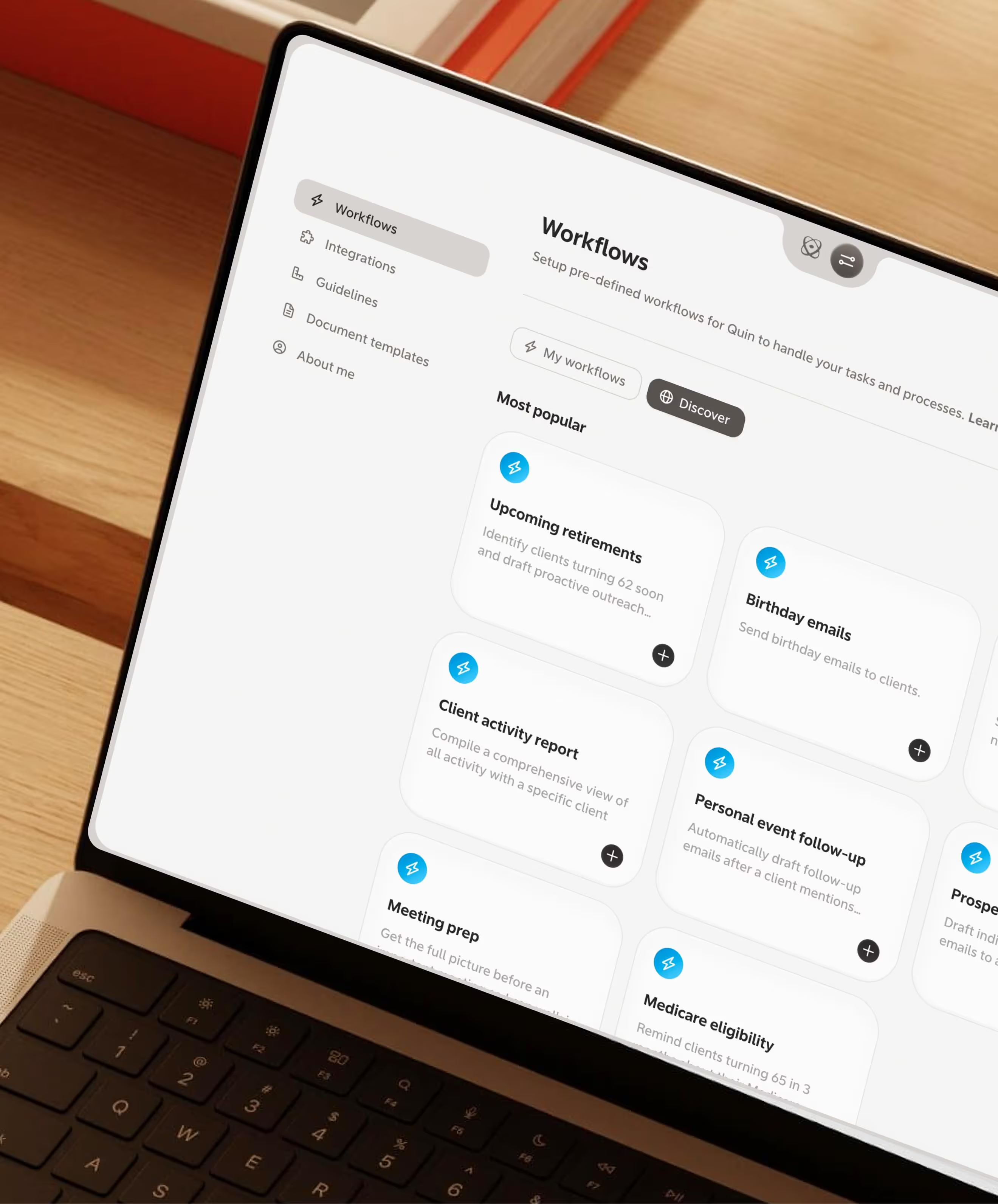
How legal professionals use Quin
The admin between billable hours is where time disappears. Here are three places Quin handles it.
After a client consultation
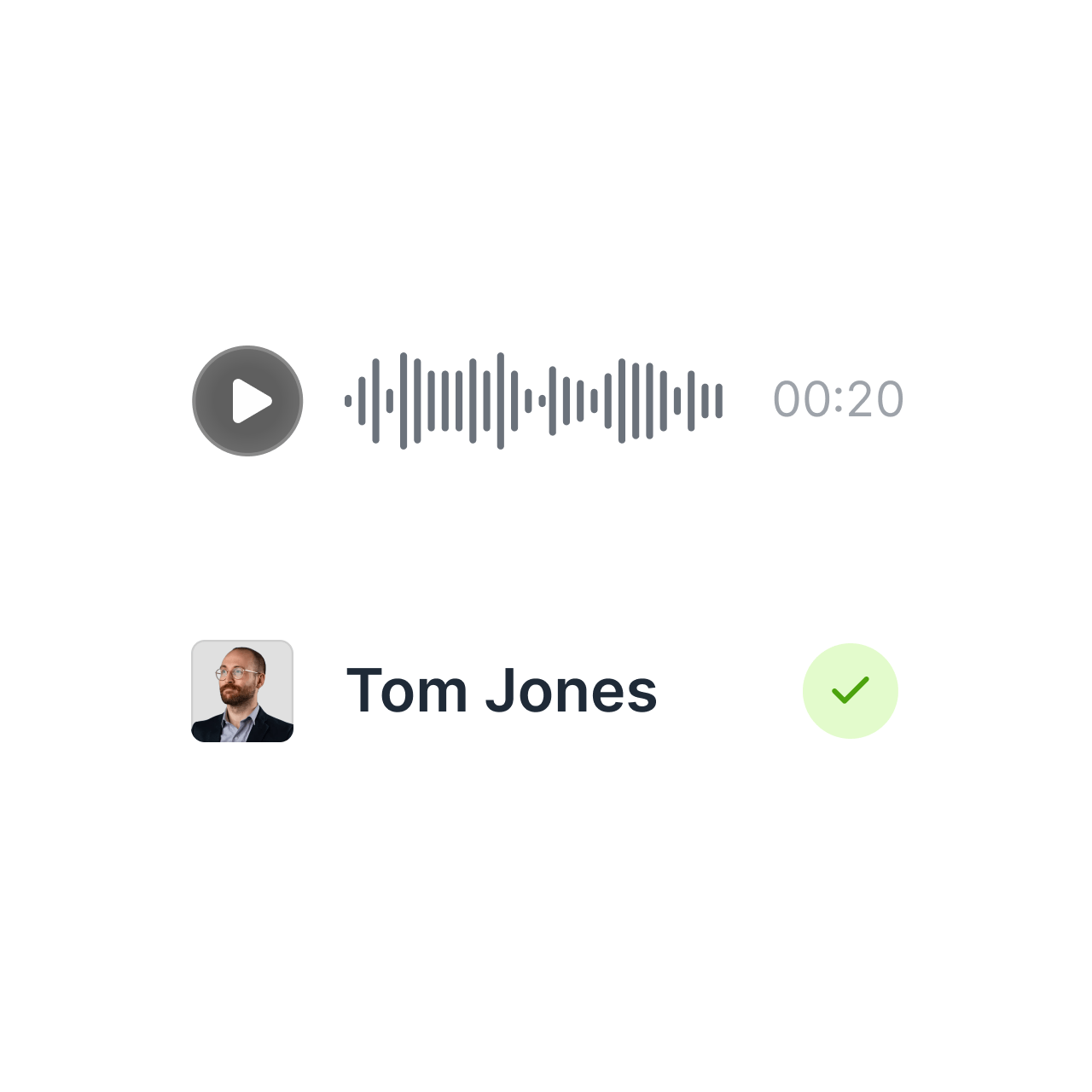
You just spent 45 minutes with a new client working through a contract dispute. Parties involved, key dates, their priorities, what you promised to send. You record a quick voice memo in the elevator down. By the time you're back at your desk, the matter record is updated, a follow-up email is drafted, and there's a task to pull the relevant correspondence.
When a matter heats up
A client calls with an urgent update—the other party responded and there are new terms to review. You text Quin the key details from the call. New tasks get created, your calendar gets a block for review time, and a status update is drafted to keep the client in the loop.


Before a client meeting
You're heading into a check-in on an ongoing matter. You ask Quin to pull together what you need—last conversation notes, open items, recent correspondence. You walk in prepared instead of scrambling.
Made for the way attorneys run a practice
Quin handles the details the same way you would, without taking the hours.
Practice integration
Connects to Clio, MyCase, and the rest of the practice management tools you already use.

Deadline tracking
Keeps open items and deadlines visible across every active matter so nothing slips.
Team coordination
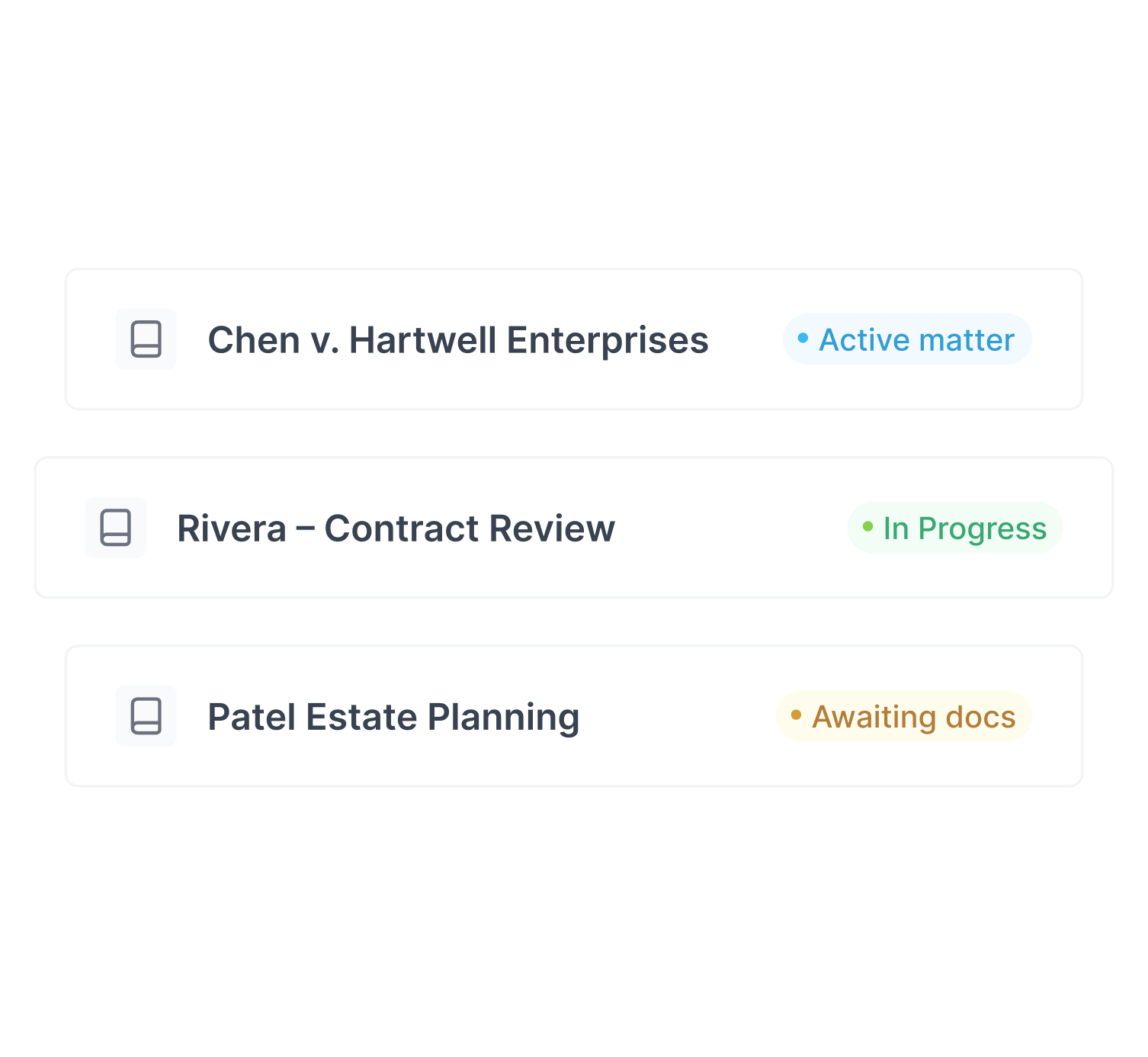
Routes tasks to paralegals, associates, or support staff based on who should own the work.

Platform-agnostic
Your workflow stays consistent whether you're on Clio, MyCase, or something else entirely.


