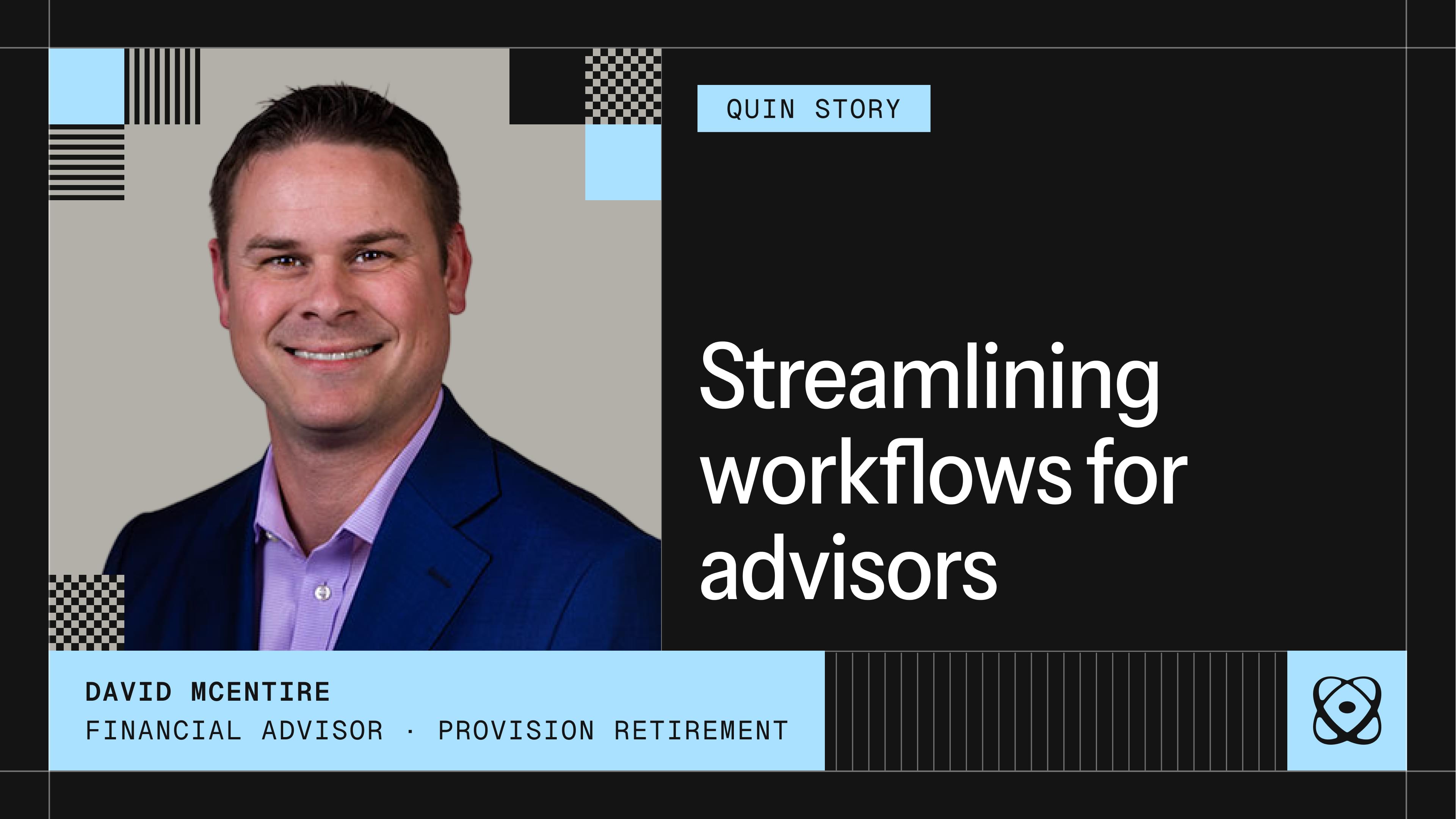
Customer Story: David McEntire, Provision Retirement
March 10, 2026
About David
David McEntire is a retirement specialist at Provision Retirement in Dallas, Texas. He helps clients map out retirement so they can spend with confidence and understand exactly where their income will come from. His practice is part of a five-advisor team, and he's been the person most willing to dig into new technology to find ways to work more efficiently.
The challenge
David had built out a solid tech stack over six years: Redtail for his CRM, ClickUp for task management and pipeline tracking, and various other tools for scheduling, document signing, and workflow automation. Each one worked well on its own. The problem was getting them to work together.
"I would have a program that would work fine, but they couldn't really talk to each other well. Even when they imported and integrated, it was very limited and things just didn't happen naturally."
The gap between tools meant the work of connecting them fell to David. After every client meeting, he'd manually update Redtail, create tasks in ClickUp, draft follow-up emails, and log commitments he'd made. The information existed, but moving it from one place to another was his job.
He also found himself saying he'd do a lot of things and then struggling to keep track of all of them. Follow up with this client. Send that document. Schedule that review. In a practice built on relationships, those commitments matter. A tool that could capture them wasn't enough. He needed something that would act on them.
How David uses Quin
After hearing about Quin on The Efficient Advisor podcast, David started building his setup deliberately. Rather than just turning on features, he walked through his entire client process with Quin step by step and saved it as a workflow so it would run consistently without him having to re-explain it each time.
"I have gone through from beginning to end talking through Quin. This is what we do, this is the tools I have, and we just walked through step by step. At the very end of it, I said: now save this as a workflow. Everything that we just did, let's do it where now we don't have to go through all that next time."
Quin now connects directly to Redtail and ClickUp. After client meetings, notes go into the CRM automatically, tasks are created in ClickUp, and follow-up emails are drafted and ready to review. Meeting prep that used to require digging through multiple systems now lands before the call.
He's also used Quin to handle work he'd previously needed Zapier for. Once Quin could run those requests directly, the separate automation layer stopped being necessary. When DocuSign integration launched, he rebuilt his document workflow through Quin and found he no longer needed a tool he'd been paying for separately.
"Every day, Quin makes me rethink my tech stack on whether something is necessary anymore."
The results
David's practice runs with less manual work and fewer tools than it did before. The specific outcomes:
- Client meeting notes update Redtail automatically, with no manual entry after calls
- Tasks appear in ClickUp without David having to create them by hand
- Follow-up emails are drafted and queued before he's moved on to his next appointment
- Commitments made in meetings get tracked and surfaced so nothing gets missed
- Tools he was paying for separately, including Zapier workflows and a standalone integration layer, have been replaced by Quin handling those requests directly
Beyond the individual tasks, what's changed is the consistency. David describes himself as someone who says he's going to do a lot. Quin is what makes sure he actually does it.
"Quin has been the tool that has actually just changed everything that I'm doing."
See what Quin can do for your practice. Try it free for 14 days at heyquin.io.
#skills